
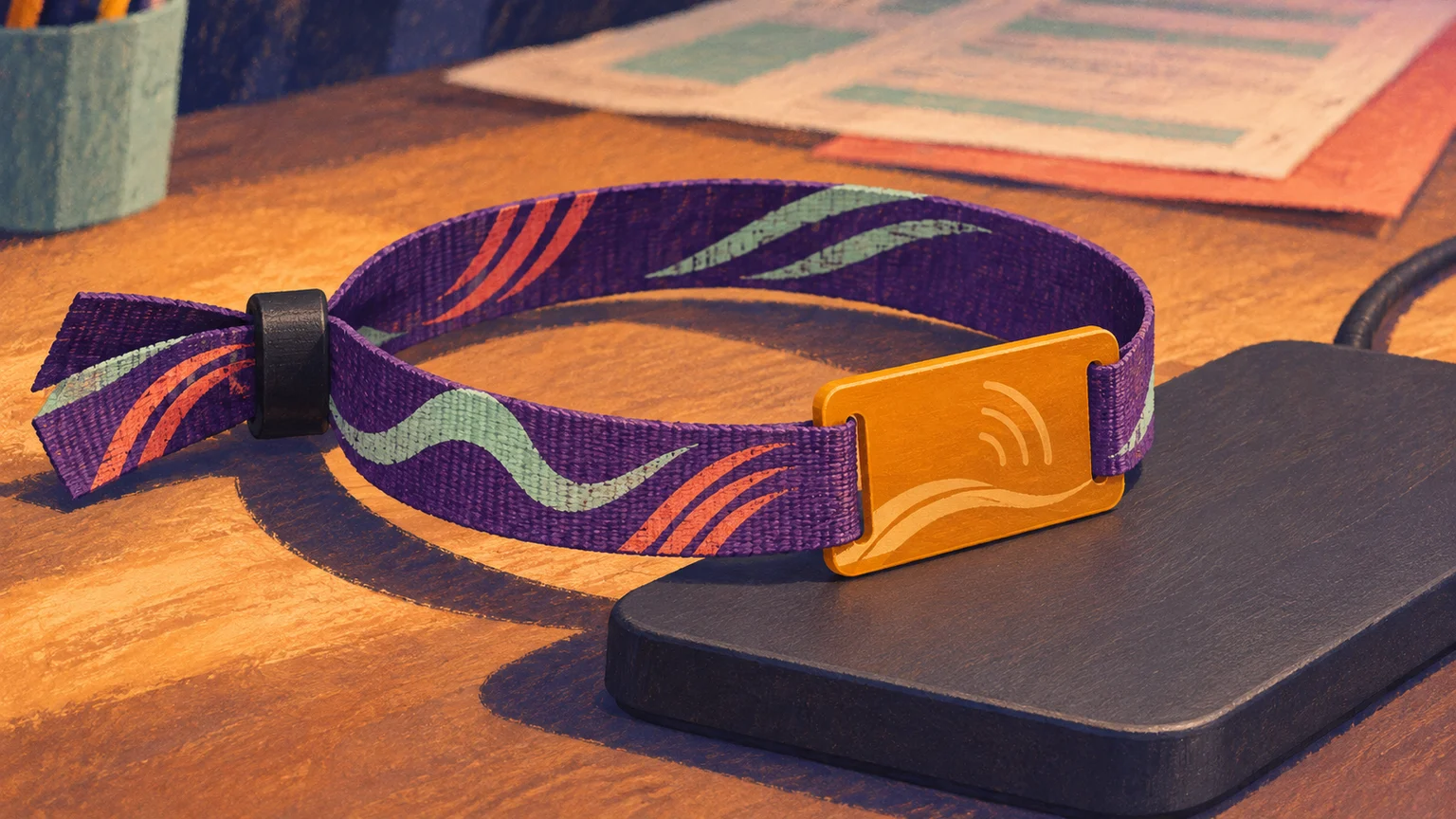
Where to find the wristband number
Check the registration instructions for this edition of the event. If they ask for a Wristband ID or Print ID, look along the strap and on the inside face or underside of the tag. Front Gate Tickets describes an inside code made up of letters, numbers or both. Its instructions say you may need to lift the fabric slightly to see it.
Front Gate Tickets Print ID help
Enter the code as shown, including leading zeros. If you find several strings, use the event’s example or field name to identify the one it expects. The order number usually identifies the purchase, which can include several tickets. A QR code may serve a separate registration or web function. If you still cannot find the requested code, ask the event’s official support team and share a photo or order details only through the channel it specifies. Keep a one-way clasp loose until you are ready to wear the band.
Printed number, chip UID and ticket credential ID
| Identifier | Where to find it | What it helps staff do | What to check |
|---|---|---|---|
| Printed number | On the strap or tag | Find a band, register it or check it at issue | Leading zeros and similar-looking characters |
| Chip UID | Output from a compatible reader | Read an identifier the system can look up | Reader output and import format |
| Ticket credential ID | Ticketing or access platform | Associate a band with an entitlement | Which credential remains active after a replacement |
| Order number | Order confirmation or back office | Find the purchase and its tickets | Several tickets can belong to one order |
UID format depends on the chip. NXP specifies a manufacturer-programmed seven-byte UID for the NTAG213, NTAG215 and NTAG216. Check the actual chip and reader used in your project. A reader, supplier file and import screen can represent the same bytes differently. Agree how the target system handles hexadecimal or decimal representation, separators, byte order and leading zeros. Compare a known physical sample with the reader output and the ticketing record before importing a batch.
NXP NTAG213, NTAG215 and NTAG216 datasheet
A successful read gives the system a value to look up. The platform decides whether the associated pass is valid for that time and entrance and whether re-entry is allowed. At the gate, staff may need to check the day, registration or zone assignment. The scanner’s actual response helps direct that check.
RFID wristband troubleshooting at the gate
Four things to check before importing a batch
In this example, the help desk searches by the printed number, a reader supplies the chip value and the ticketing platform associates the band with a credential. The strings marked UID-DEMO stand in for reader values. Use the representation your platform accepts for real records. All other identifiers here are fictional too.
| Printed number | Reader value | Ticket credential | Status |
|---|---|---|---|
| 71 | UID-DEMO-A | GA-101 | Active |
| 000072 | UID-DEMO-B | GA-102 | Active |
| 000073 | UID-DEMO-B | GA-103 | Active |
| 000074 | Blank | GA-104 | Active |
| 000075 | UID-DEMO-E | GA-105 | Active |
| 000076 | UID-DEMO-F | GA-105 | Active |
Start with the missing zeros. The physical band says 000071. A spreadsheet treated it as a number and saved 71. Import printed IDs as text and compare with the band or original supplier record. Padding every number to match the longest code can introduce new errors when batches use different lengths. Use the event and batch as part of the lookup when a short printed number can recur.
Next, 000072 and 000073 share a reader value in the file. Rescan the physical bands separately and compare the original records. In this example, the rescan establishes UID-DEMO-C for 000073. If the reader still returns the same value for both items, hold those records out of the import and check the reader settings and field definition with the ticketing team.
The fourth record has an empty reader value. Hold the association until a compatible device can read the band and the team can reconcile it with the source record. Here that produces UID-DEMO-D. If the value stays blank, check device compatibility, where the tag is presented and whether the physical band is damaged before drawing a conclusion.
The last two rows document a replacement. The event has approved 000076 in place of 000075 and allows one active band for this credential. Follow the platform’s procedure to revoke the original and confirm the replacement works at the gate. Keep the original association and replacement reason in the reconciliation record so staff can help if the old band comes back to the desk.
Corrected reconciliation sheet
| Printed number | Reader value | Ticket credential | Status |
|---|---|---|---|
| 000071 | UID-DEMO-A | GA-101 | Active |
| 000072 | UID-DEMO-B | GA-102 | Active |
| 000073 | UID-DEMO-C | GA-103 | Active |
| 000074 | UID-DEMO-D | GA-104 | Active |
| 000075 | UID-DEMO-E | GA-105 | Revoked |
| 000076 | UID-DEMO-F | GA-105 | Active |
Original example with errors · Corrected example for reconciliation
This sheet is a record for people to check. Before a real import, agree how the platform creates and updates associations and how it revokes old credentials. An import that accepts only active rows may require a separate revocation. Try a small batch in the platform’s designated test environment. Check admission, duplicate processing, the revoked band and the replacement. Confirm two tickets under one order still work independently. If the batch behaves unexpectedly, pause the remaining import and use the platform’s supported correction process.
Agree what to print and what to read
If staff only need a visible lookup number, establish the event and batch rules for that number. For registration or gate use, get the supplier and ticketing team to agree on the print location, identifier format, reader and mapping file. Use actual samples for an end-to-end check. The visible number should stay legible and easy to find, including when it sits against the strap. Assign someone to approve replacements and someone to verify the new credential works.
A small set of sample bands can show whether a leading zero survives, whether the desk finds the intended record and whether a replacement invalidates the original at an approved reader. Include two tickets from the same order in the rehearsal. Repeat the relevant receiving checks on the actual shipment before distributing it.
At the help desk, start with the visible number and find the correct ticket. For gate troubleshooting, authorized staff can compare the approved reader’s value with the active credential. Giving both teams the right identifier makes it easier to trace the problem without sending a guest from one desk to the next.