
Start with the wearer and the event
Record the event type, number of wearing days and the groups that need to be identified. General admission, VIP and crew may need different visible artwork, different electronic permissions, or both. State each requirement separately: a printed VIP label does not itself create an access permission.
Decide whether the band should remain on one guest or be removable for repeated visits. Consider how it will be issued, adjusted, replaced and collected. Describe outdoor use, water exposure and any cleaning routine rather than assuming a material name answers every question.
Use the wristband comparison to shortlist the format. For guest stays, festivals or phone-led campaigns, the applications guide explains the different decisions behind the product choice.
Record a quantity breakdown
Give a total and split it by the variations that affect the project. Separate artwork designs, wearer groups and sizes rather than sending a single quantity with an unspecified mix.
| Include | Example of the information needed |
|---|---|
| Product format | Printed fabric, elastic, silicone or disposable |
| Artwork versions | Distinct designs for each wearer group |
| Fit or band width | Selected product size, with quantities for each option |
| Visible identifiers | Whether numbers, names or codes are needed |
| Delivery plan | Destination, required arrival date and event date |
These are planning fields, not minimum-order or lead-time commitments. If a choice is still open, identify the decision and who will confirm it. A clear question is more useful than an assumed specification.
Keep artwork surfaces and files separate
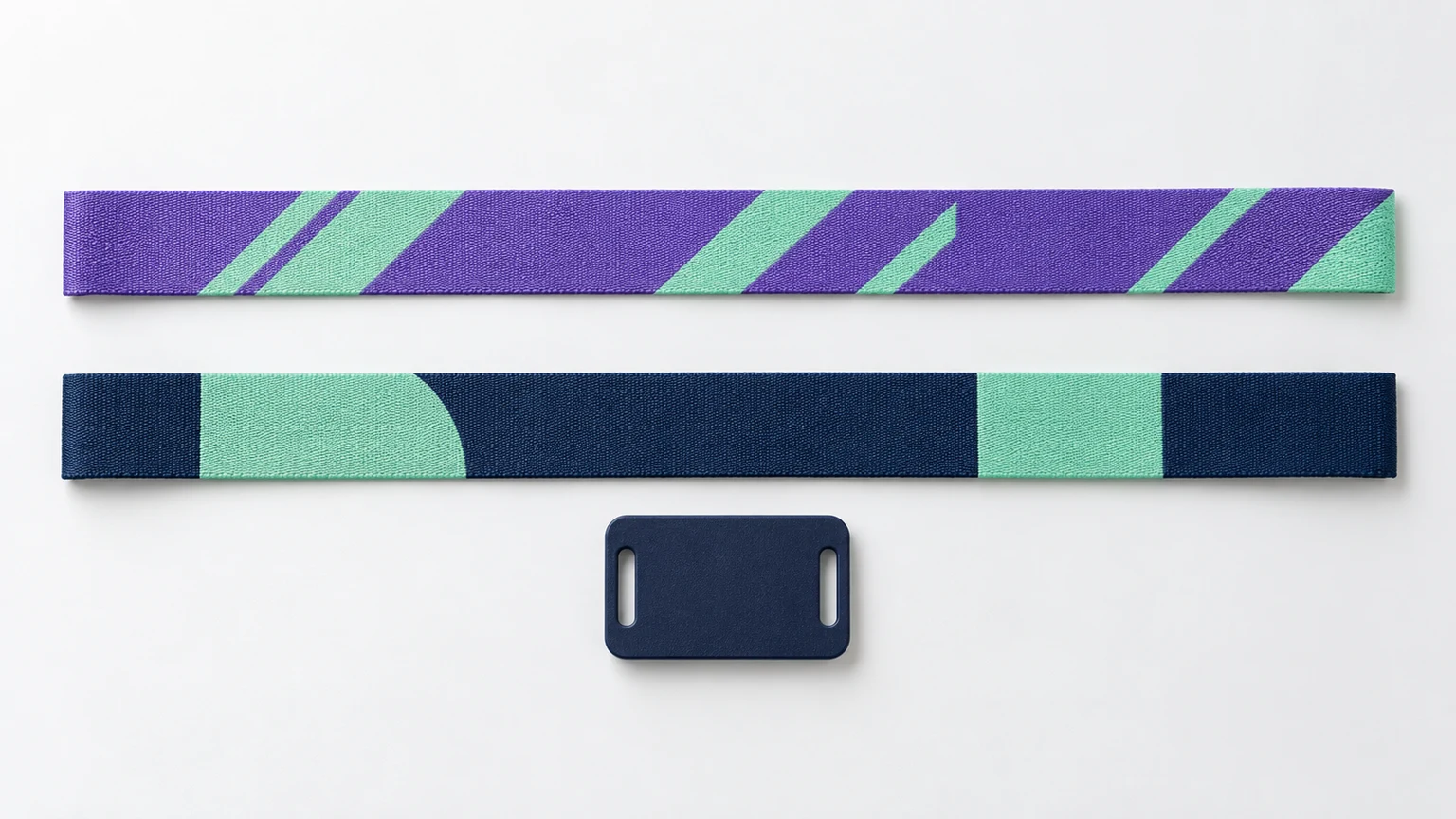
For BandWove’s Printed Fabric RFID Wristband, prepare the front, back and independent RFID tag as three designs. The current default band is 350 × 15 mm, with 350 × 20 mm also available; the separate PVC tag uses a 35 × 25 mm artwork envelope. Those dimensions describe this product configuration, not every fabric wristband on the market.
Keep the editable source and label exports by surface and version. Include brand color references where relevant, and distinguish the finished size from any bleed allowance. Follow the fabric artwork guidelines for safe areas and export settings; the final product proof determines hardware clearances and the print arrangement.
Woven artwork needs its own color and detail rules. Do not describe a full-color Studio drawing as a completed weave specification. The printed versus woven guide explains the distinction.
Describe the interaction before choosing the chip
For a phone interaction, describe the content guests should reach, such as a mobile-friendly URL. State who owns and maintains the destination and whether the same link or individual links are needed. An NFC link is not a complete campaign, access-control or payment platform.
For an existing access system, obtain the reader or lock model, platform requirements and accepted credential specification from the system provider. A shared 13.56 MHz frequency does not establish compatibility. Use the chip selection guide to separate the IC, antenna, encoded data and system validation questions.
Record responsibility for the following:
- Who specifies the chip and credential format.
- Who supplies identifiers or content to encode.
- Who provisions managed credentials and security keys.
- Who tests the complete wristband on the intended reader or phones.
Keep secret keys and sensitive provisioning data out of general artwork files and enquiry notes. Agree a separate approved method with the responsible technical team.
Separate visible numbering from encoded data
A number printed on the tag is not automatically the identifier read by a system. If visible numbers, QR codes, chip identifiers or encoded records must correspond, explain the required mapping and who maintains it.
Ask the platform provider which fields it expects and how duplicates, replacements and cancellations are handled. Platform-specific examples in public guides are useful questions to discuss, not formats to apply to every project.
Review the package before sharing it
- Confirm the product format, quantities and wearer-group breakdown.
- Keep the editable artwork and front, back and tag exports together with clear version names.
- Attach the reader or phone-use requirements and identify the owner of encoding and validation.
- Include the destination and requested dates without treating them as an agreed schedule.
- List the remaining decisions for the product proof or system test.
Customization helps organize material, print, tag and closure choices. When the brief is ready, use Get a Quote to organize the project information. You can associate your editable Studio project, review its front, back and RFID tag previews, and retain the original artwork alongside the product configuration.
Sources & scope
The supplier and platform references inform this planning checklist. Their product capabilities and credential formats are not BandWove production commitments or universal compatibility requirements.
- Kaway Group: wristband selection and project inputs
- Billfold: platform-specific RFID credential requirements
- PrintPlast: event wristband quotation inputs
References checked October 30, 2026.