
Disposable RFID Wristbands
Lightweight printed credentials for single-event wear. Combine clear guest identification, an enclosed RFID inlay and an adhesive overlap closure.
Upload Your Artwork · I Need Help Choosing
PP synthetic paper · 25 × 280 mm · Full-color print · Adhesive overlap
Choose RFID & NFC technologyClear artwork for busy arrivals.
Organize the printed surface around the information guests and staff need: a brand, a group label and a readable identifier. Keep the overlap out of that hierarchy.
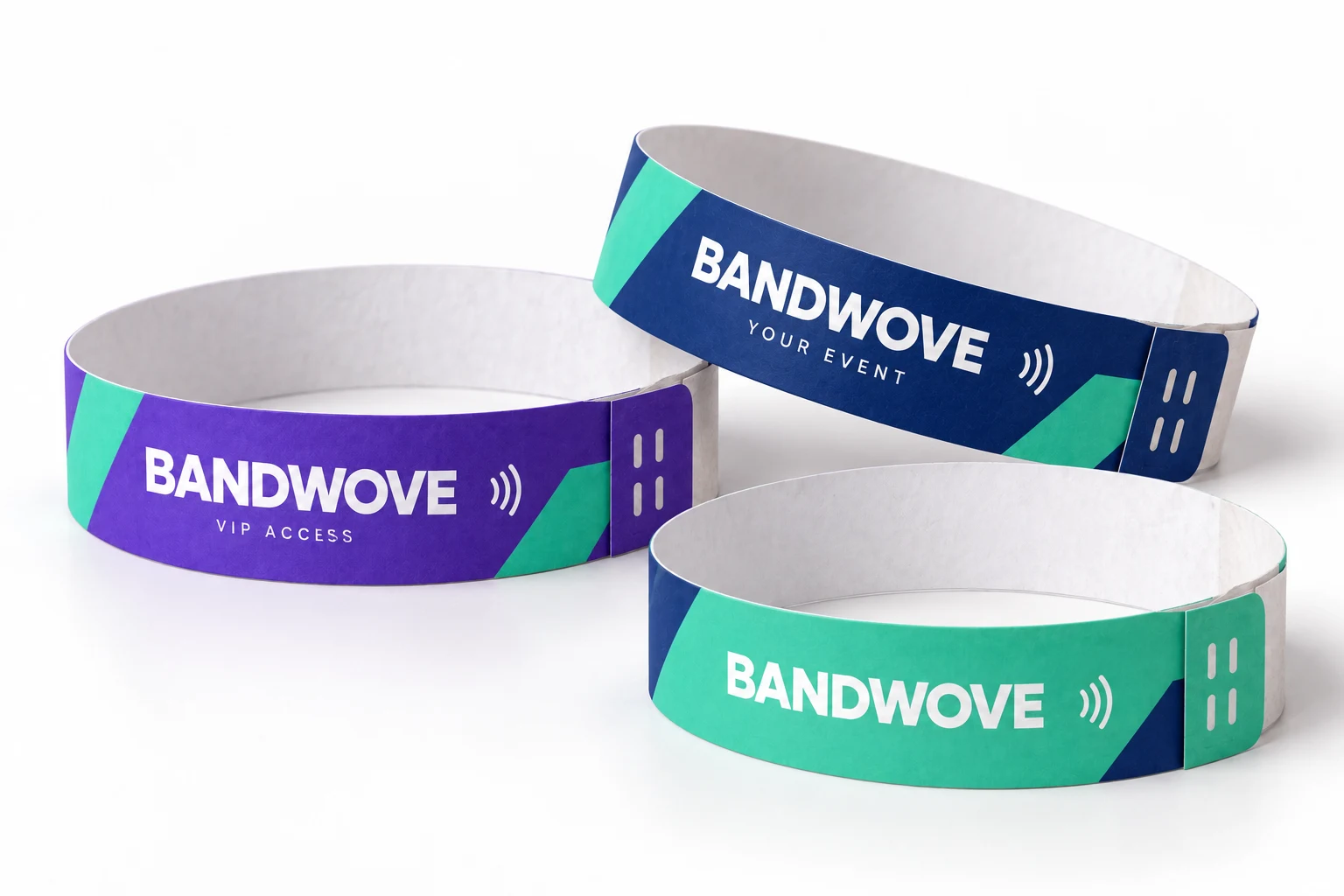
Separate guest groups.Use explicit text with color to identify sessions, days or access levels.
Protect key information.Place codes and essential lettering within the approved printable area, away from the closure.
Print, format and single-use closure.
Specify the substrate and flat dimensions before placing artwork and planning RFID data.
Material
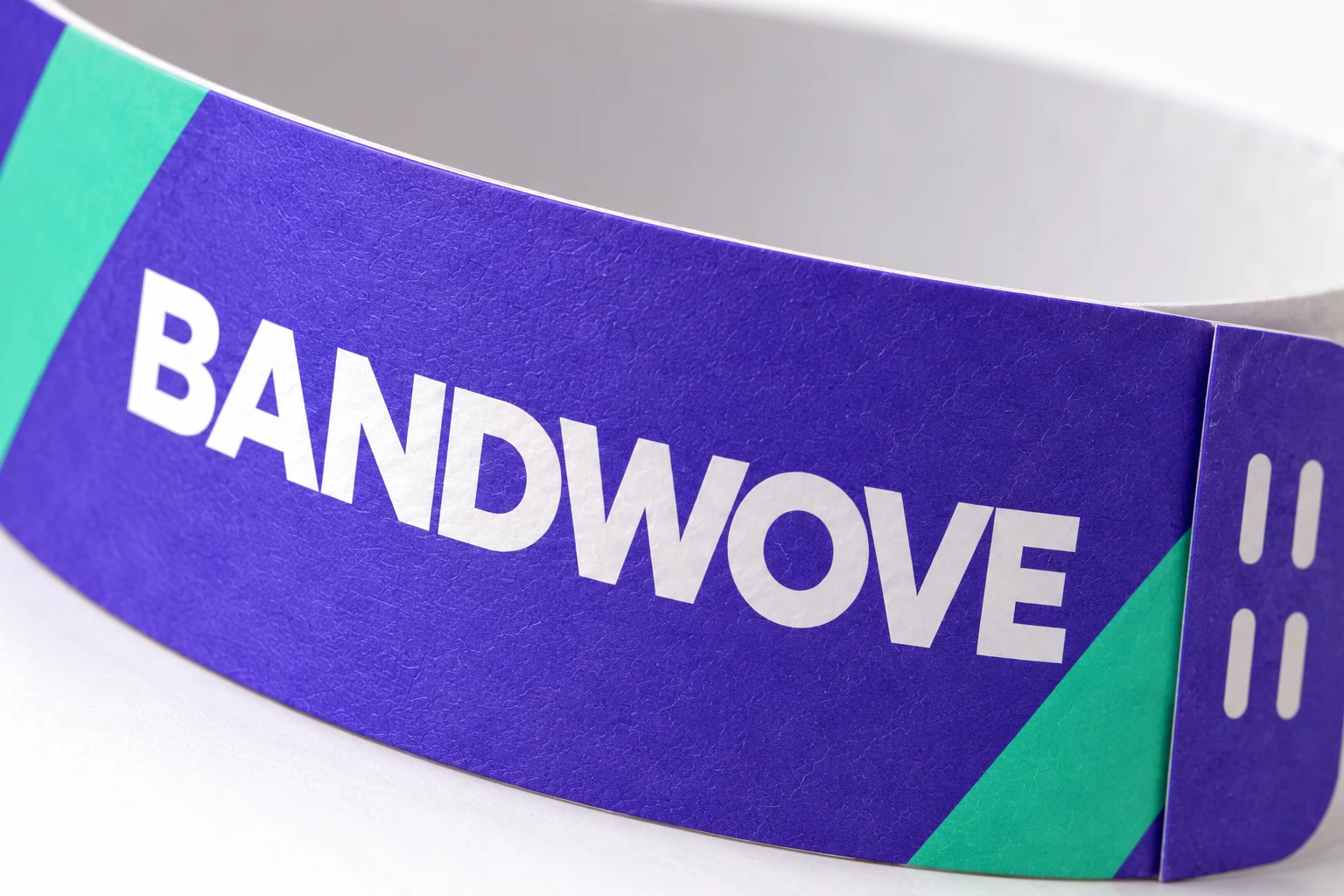
This reference format uses smooth polypropylene synthetic paper. It is not a woven band or a Tyvek-branded material, and its flat RFID inlay is enclosed within the wristband construction.
Band format
Choose the flat width and total length. The adhesive overlap adjusts the wearing circumference. Images show the 25 mm reference format; review the final artwork area on the drawing.
Event artwork
Use full-color artwork for logos and guest categories. Keep serials and QR codes away from the adhesive overlap, inlay boundary and curved areas that can reduce readability.
Adhesive closure
The release liner exposes an adhesive end that overlaps the band. Security cuts are intended to show disturbance during attempted removal; actual performance depends on the assembled sample and application.
RFID & NFC options.
Select the intended interaction, then specify the chip and data preparation for this wristband construction.
Useful content for a short event.
Connect a compatible phone to a schedule, venue map or sponsor page with a prepared NFC link. Plan the destination and visible tap mark before the artwork is approved.
- NTAG213 / NTAG216 use 13.56 MHz Type 2 NFC.
- Test the link with the band closed and worn, not only flat on a desk.
- A public URL is not a secure admission or payment credential.
One credential per guest.
Associate wristband identifiers with your event records and let the compatible platform apply entry rules. An adhesive seal supports the wear policy but cannot replace digital validation.
- Specify the event system and required IC before selecting the inlay.
- Define printed number, UID or application-ID mapping.
- Test closure behavior and reading in the actual admission workflow.
Prepare data before issue.
Align the wristband batch with the ticketing or access provider before distribution. The visible design, printed identifiers and chip data need a shared mapping.
- Provide the expected data format, sequence and batch allocation.
- Confirm who encodes, locks and verifies the tags.
- Do not assume compatibility from a reader frequency or another supplier’s sample.
NTAG213 · 144 bytes · NFC Forum Type 2
Validate the assembled wristband, encoding and intended reader or phone together. A chip specification alone does not confirm compatibility.
Explore wristband planning resources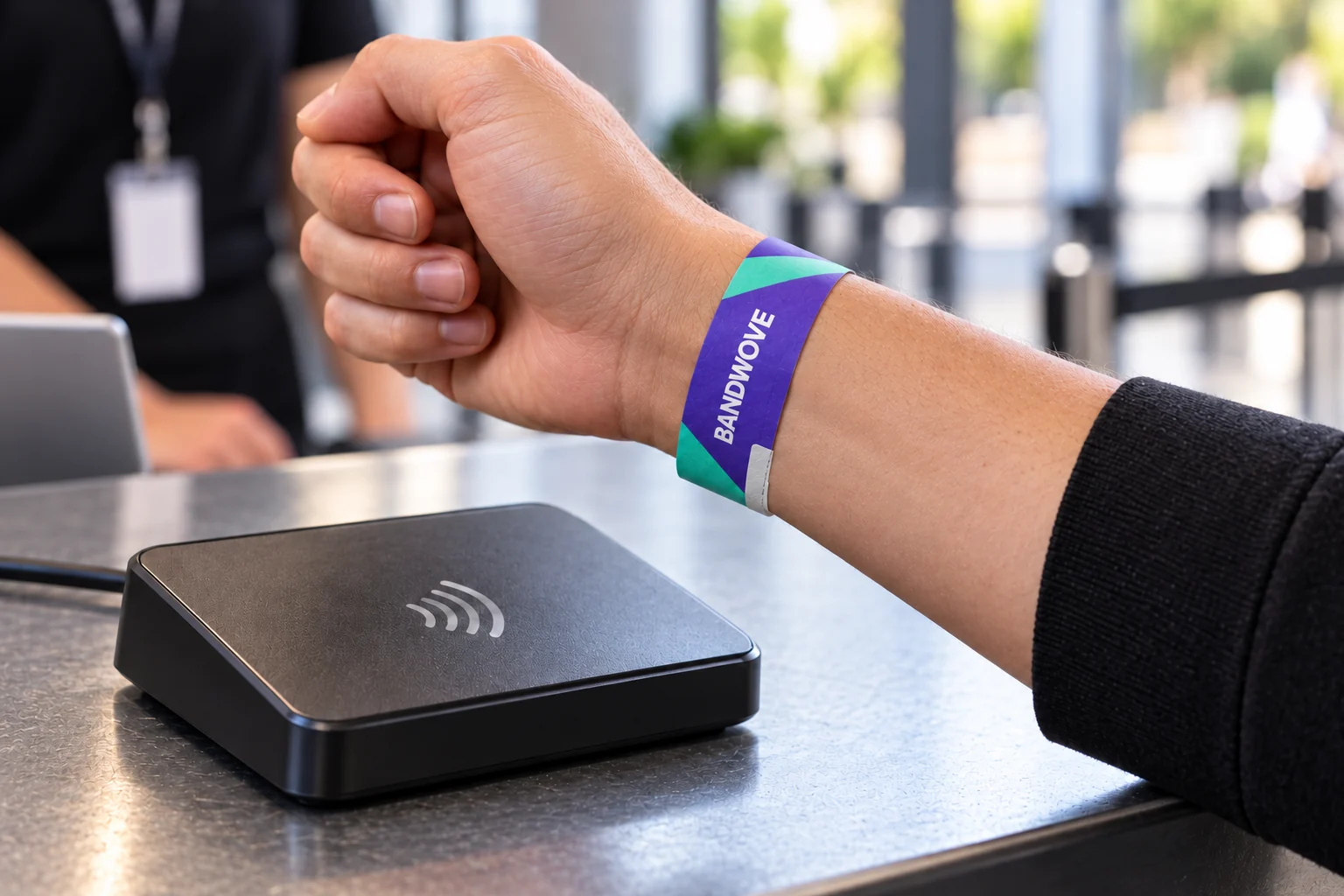
Ready for the admission brief.
A lightweight single-event format fits programs where the band is issued once and removed after use.
- Concerts & day events
- Assign clear group artwork and connect identifiers to the admission platform.
- Conferences & sessions
- Plan batch quantities, session labels and data mapping before distribution.
- Short brand activations
- Give attendees a phone-readable content link without presenting the band as a reusable credential.
Design in
BandWove Studio.
Explore lettering, colors and repeat patterns, then carry your saved design into the quote brief.
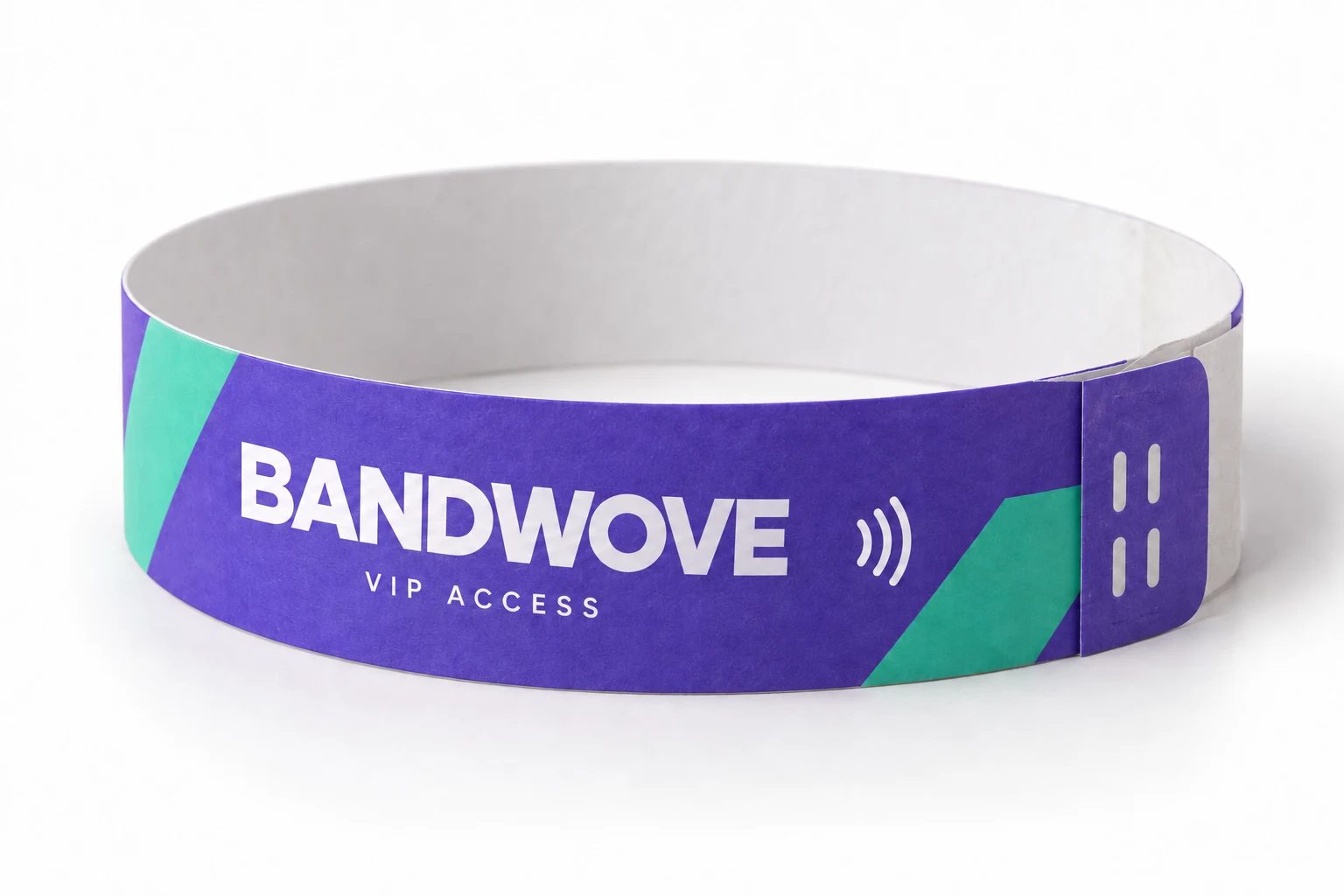
Violet / Mint · Diagonal repeat
From a flat repeat
to something worn.
Explore your text, repeat and colors in BandWove Studio, then attach that direction to the disposable wristband brief.
Edit the lettering in the flat preview. The product image shows the wristband construction.
Studio supports front artwork with separate PP and Tyvek configurations. Adhesive and internal inlay markers are design guides.
Technical specifications.
Review construction, chip and ordering details. Include platform requirements with your selected configuration.
Substrate, dimensions & closure5 specifications
Thin synthetic-paper construction; distinct from fabric, silicone or thermal hospital bands.
| Material | Polypropylene synthetic paperSmooth printable substrate; no Tyvek trademark or material equivalence claimed |
|---|---|
| Flat dimensions | 20 × 280 mm / 25 × 280 mmTotal flat length; the adhesive overlap changes the worn circumference |
| Closure | Single-use adhesive overlapRelease liner and security cuts; review tamper evidence on the sample |
| Custom full-color artworkKeep codes and essential text clear of overlap and inlay limits | |
| RFID assembly | Flat enclosed chip-and-antenna inlayAvoid folding sharply across the antenna or chip location |
NFC, event data & identifiers4 specifications
Select an inlay that matches the intended phone interaction or platform.
| NFC reference ICs | NTAG213 / NTAG216144 / 888 bytes IC user memory; NDEF formatting uses part of that space |
|---|---|
| Frequency | 13.56 MHz for listed NFC optionsNFC Forum Type 2 / ISO/IEC 14443-A |
| Data options | NDEF URL and variable printed identifiersPrinted serials, QR payloads and chip identifiers require an agreed mapping |
| Access credentials | Platform-specific IC and encodingConfirm the inlay format and reader interaction on a configured sample |
Issue, use & ordering2 specifications
Treat wear policy, batch data and application as part of the specification.
| Intended lifecycle | Single-event issue and removalDo not remove and reapply as a reusable band; follow venue procedures |
|---|---|
| Quantity & schedule | Quoted for the selected specificationInclude designs/groups, encoding data, packing/issue needs, destination and event date |
What is NDEF?
A standard way to store NFC content, such as a web link, so a compatible phone knows what to open.
What is provisioning?
Preparing a credential for a managed system: its applications, data and keys, following the platform provider’s requirements.
How custom ordering works.
Bring artwork, technical requirements and delivery planning into one project brief.
Define event groups
Choose the format, quantities, design split and admission workflow.
Prepare artwork and data
Supply the print file, identifier mapping and required chip/inlay specification.
Check the sample
Review overlap, code readability and reading performance while worn.
Approve the issue plan
Confirm artwork, batch allocation, encoding checks and the delivery schedule.
Disposable RFID wristband
FAQs.
Is this a Tyvek RFID wristband?
This page specifies polypropylene synthetic paper. Tyvek is a separate branded substrate and should not be used as a generic name for every disposable band. If your brief requires a particular material, state it explicitly rather than substituting it under the same specification.
How does the adhesive closure work?
Remove the release liner, fit the band without overtightening and close the adhesive end onto the approved overlap area. The closure is intended for one application. Review application instructions and security-cut behavior on the configured sample.
Does single-use mean the band is transfer-proof?
No closure can justify an absolute anti-transfer promise without the relevant evaluation. Security cuts and adhesive construction can show disturbance, but application, wear and removal attempts affect the outcome. Use digital entry validation and an appropriate staff procedure as well.
Can each wristband have a different code?
Specify serial numbers, QR codes, encoded data or a combination. Supply the sequence and mapping file before approval. A printed code and the chip UID are different identifiers, and both must map to the correct event record if the platform uses them.
Can we print or encode them on our existing printer?
Do not assume compatibility. Printer feed, media dimensions, print process and RFID encoding support vary. Share your printer model and media specification if on-site processing is required; the standard configuration here is custom preprinted artwork.
Will the band still read when worn?
Validate the complete inlay and chip with the intended reader or phone, band fit and body position. Tests on a flat unused band do not establish worn performance. Avoid sharp folds or damage at the inlay area when applying it.
Can disposable RFID wristbands be used for payments?
Only as credentials within a compatible payment platform with the required data and security setup. A generic NTAG URL does not provide a secure stored balance or payment service. Ask the platform provider for the exact credential requirements.
What do you need to quote an event batch?
Provide material, flat dimensions, total quantity, quantity by design or guest group, artwork, encoding/identifier files, issue method, destination and event date. The quotation confirms quantity and delivery terms for that specific configuration.
Compare other formats.
Choose a construction for the way your guests wear, remove and use the wristband.
Build your event wristband brief.
Keep the printed design, closure, event groups and RFID data aligned. Your current configuration is included in the request below.
- Share the essentialsQuantity, design split, destination and required arrival date.
- Refine the detailsMaterial, dimensions, artwork and technology in one product-specific brief.
- Review your requestCheck your configuration and keep a copy for your project team.