
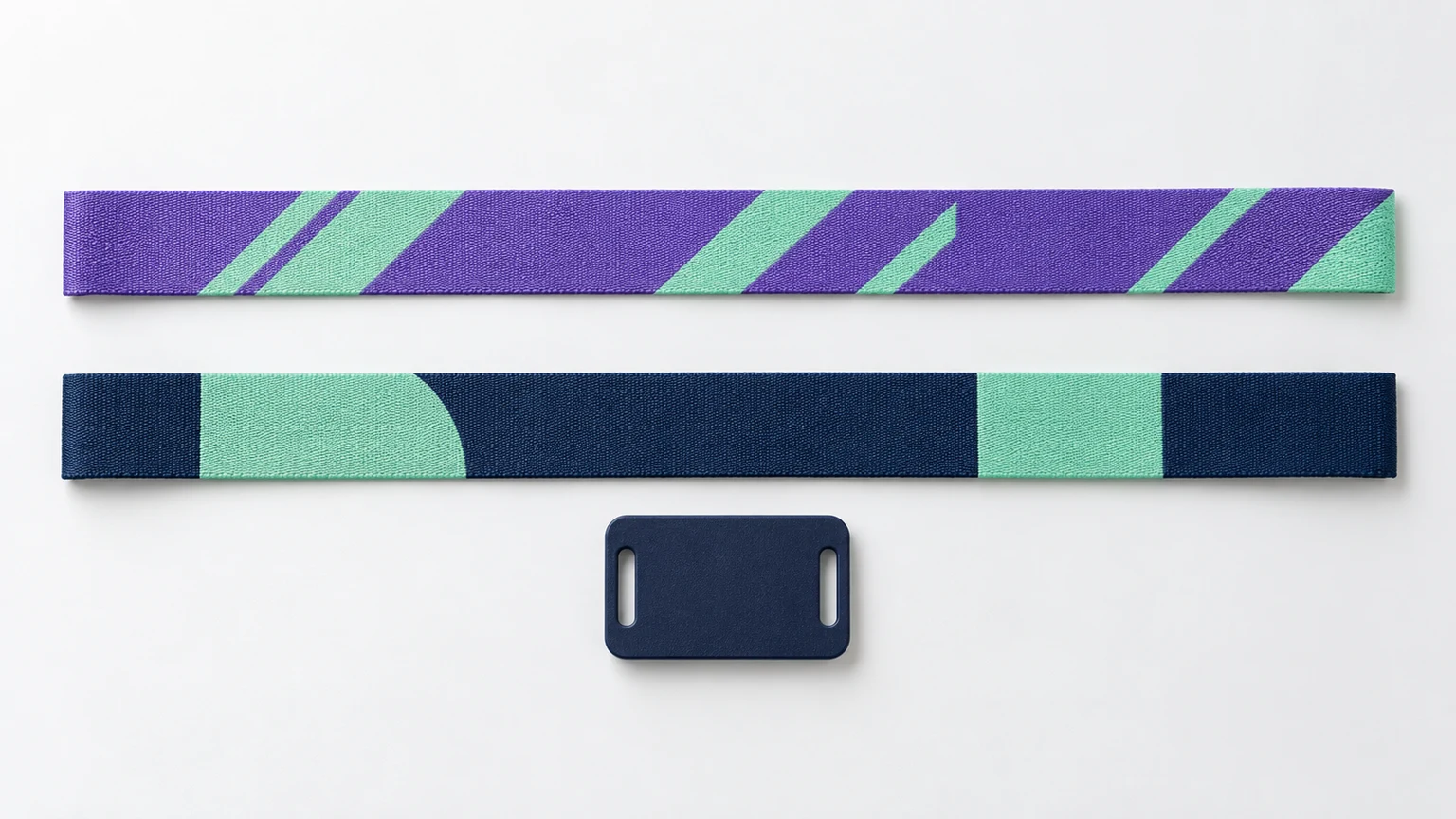
Artwork guide
Fabric Wristband Artwork Guidelines
Prepare front, back and RFID tag artwork with the right dimensions, safe areas and export settings.
Read the guidePrepare the artwork. Understand the options. Bring the right information to your wristband project.
Read Artwork GuidelinesBrowse by topicSuggested band content area: 280 × 11 mm.
Tag envelope shown enlarged. Hardware position varies with fit; this is not a die-cut template.
Suggested band content area: 280 × 16 mm.
Tag envelope shown enlarged. Hardware position varies with fit; this is not a die-cut template.
Three practical references for the decisions that come before a complete brief.
Prepare front, back and RFID tag artwork with the right dimensions, safe areas and export settings.
Read the guideStart with phone interaction or your reader system, then define the chip, encoding and validation steps.
Read the guideCompare full-color dye sublimation with yarn-built artwork and understand what changes in the design file.
Read the guideUse the guidelines to prepare your files, or start with a design you can edit. Studio keeps the front, back and independent RFID tag in separate workspaces.
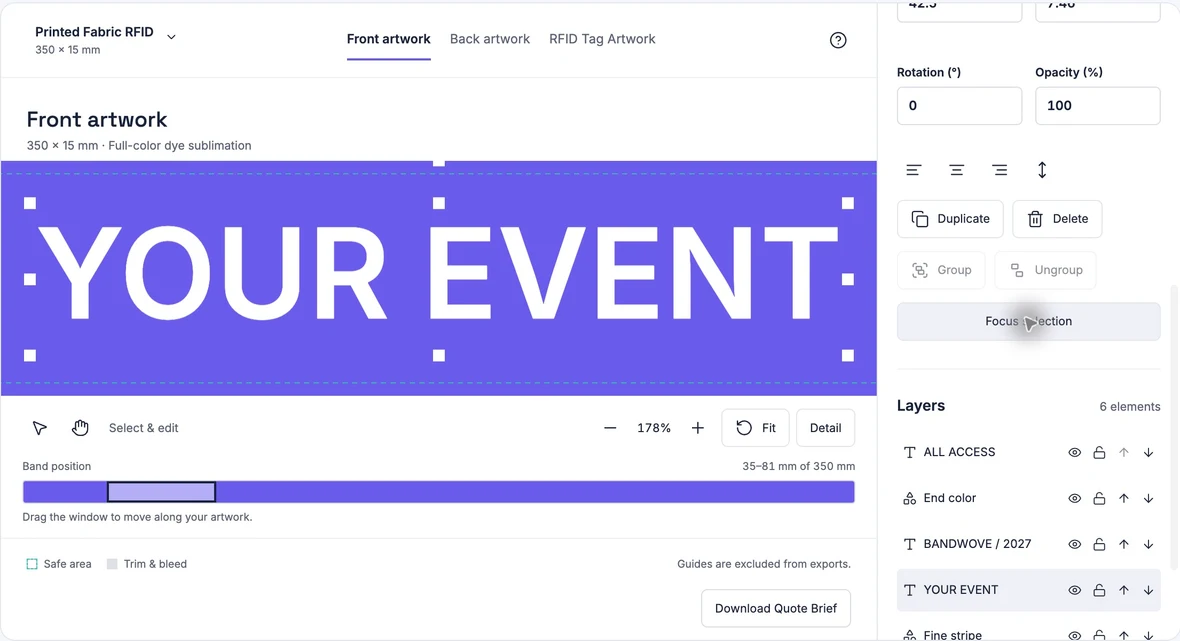
Upload a logo, change text and colors, then save a project you can reopen. Export each artwork surface as PNG or SVG.
Open StudioFestival, VIP Access, Corporate Event, Minimal Brand and Geometric Pattern. Text, shapes and colors stay editable.
Browse Editable TemplatesFrequency, chip and encoded data belong to one system decision. Start with the interaction you need.
A prepared NFC URL record and a platform credential use different data and security workflows. A shared frequency does not establish compatibility.
Read the Chip Selection GuideSeparate visible numbering from written chip data. Record the encoding owner, reader requirements and how the complete credential will be tested.
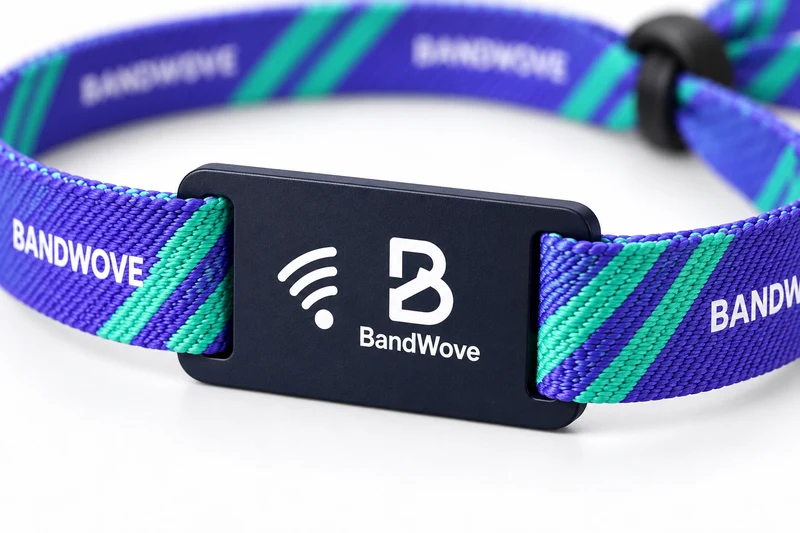
Understand EncodingSee the current HF chip options in context with the printed fabric band, independent tag and project brief.
View Fabric RFID OptionsCompare materials and processes, then prepare the artwork and system information for your project.
Compare full-color dye sublimation with yarn-built artwork and understand what changes in the design file.
Compare the ProcessesCompare fabric, elastic, silicone and disposable formats by fit, use and artwork method.
Compare MaterialsReview the band, separate tag and closure before preparing a product configuration.
Explore CustomizationPrepare a useful RFID wristband project brief with wearer groups, artwork, chip and reader requirements, encoding responsibilities and delivery details.
Read the GuideStart a printed fabric design or choose the wristband format for your project.