
NFC brand content
Open a prepared web link with a compatible NFC phone. Include the destination URL and the content you want written to the tag.
Chip options: NTAG213, NTAG215 or NTAG216, selected for the content and device requirements.
Wristband customization
Bring the artwork, tag and wearable details together. Start with our printed fabric RFID wristband, then shape the design and technical brief around your event.
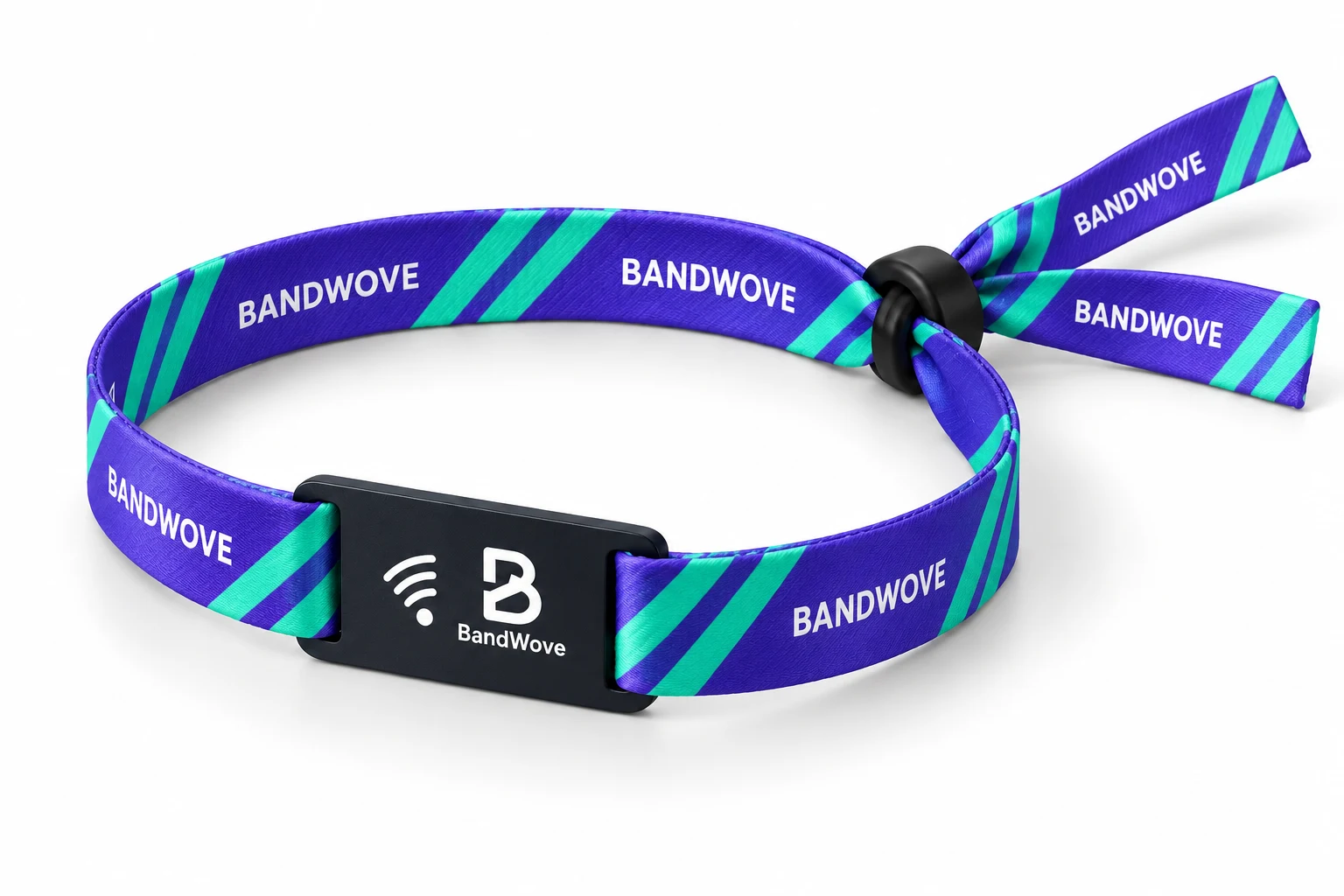
Choose the space your artwork needs.
Full-color dye sublimation puts lettering, gradients and repeat graphics onto polyester. Keep the key message readable as the band wraps around the wrist.
Material: Polyester · Process: Full-color dye sublimation
Plan the front and back independently. A wider band gives your layout more height; it does not make small lettering or crowded artwork easier to read automatically.
Explore editable templates Flat artwork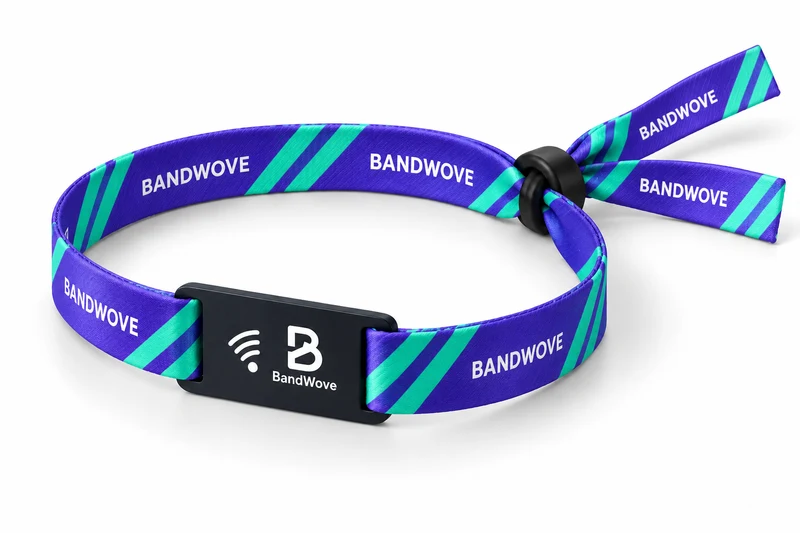
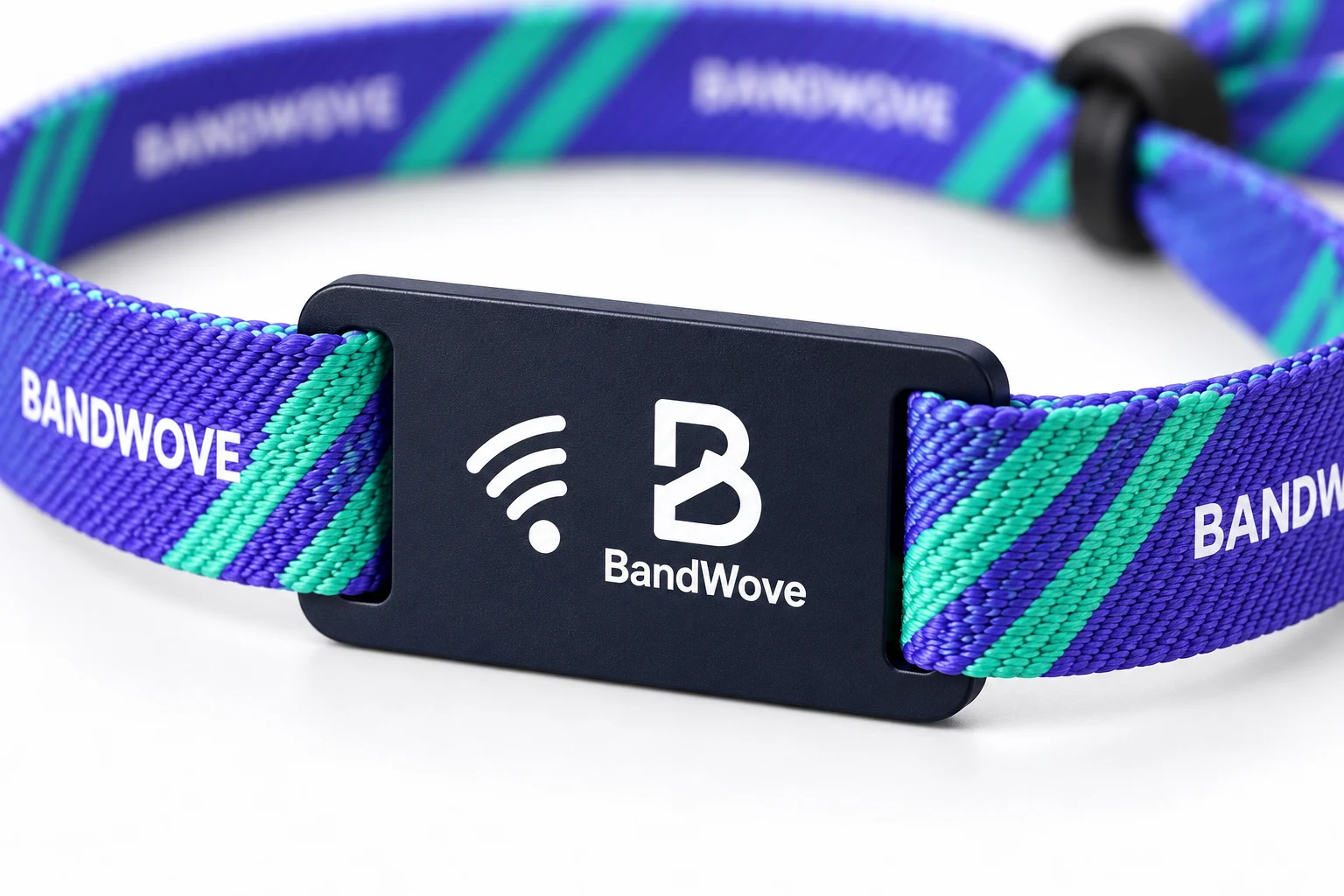
A separate surface for your identity.
Coordinate the tag’s logo, colors and lettering with the band. Our default PVC tag uses a 35 × 25 mm artwork envelope, edited independently in Studio.
Plan how it fits.
Plan how it comes off.
Our printed fabric configuration pairs the band with a black plastic barrel / security slider. Tell us whether the event needs retained wear or removal between visits, so the closure choice fits the brief.
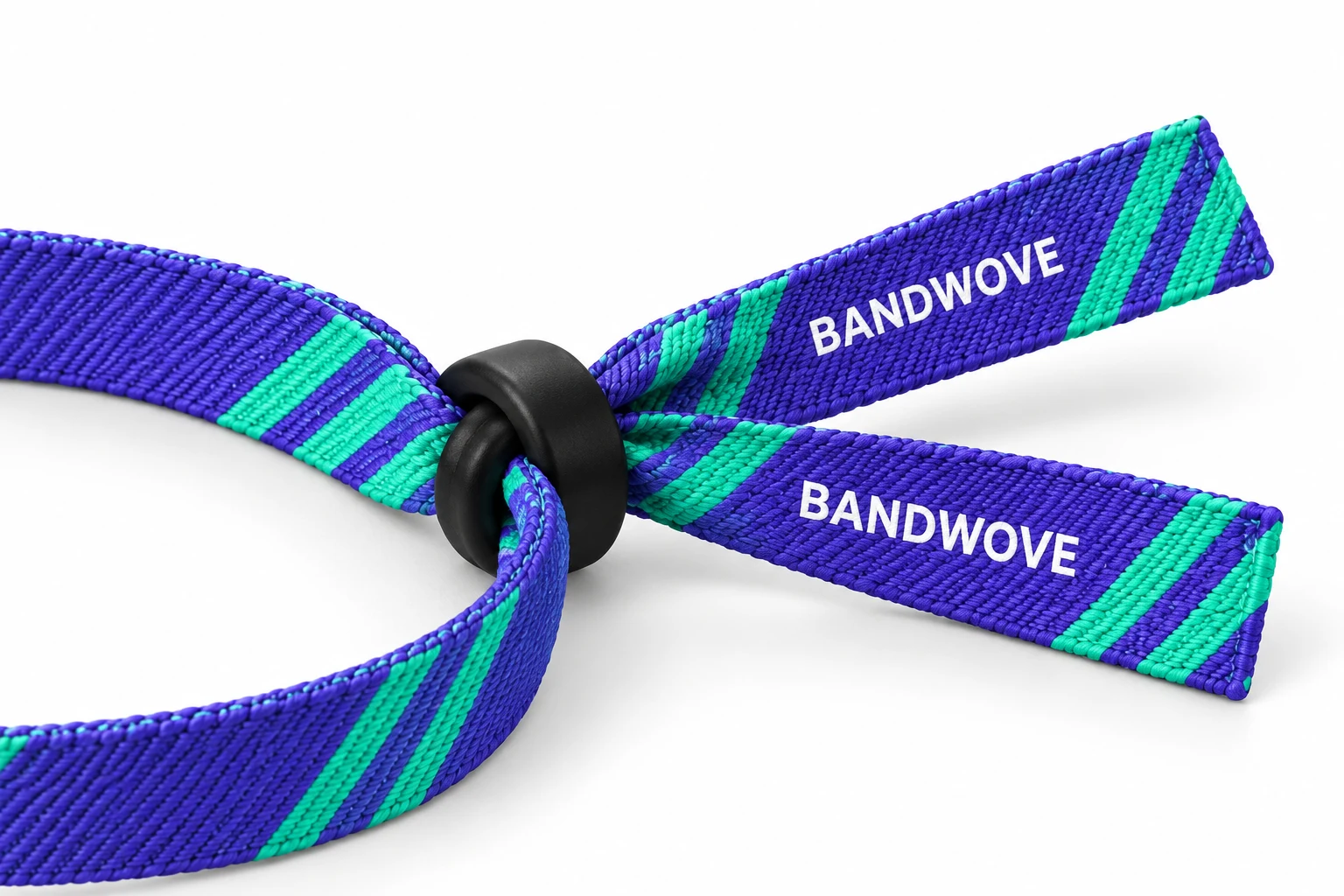
A closure choice alone does not establish tested tamper resistance. Review the selected construction and event requirements together.
View product configurationStart with what the wristband needs to do.
Open a prepared web link with a compatible NFC phone. Include the destination URL and the content you want written to the tag.
Chip options: NTAG213, NTAG215 or NTAG216, selected for the content and device requirements.
Bring your platform and reader specification. Chip selection, encoding and any application keys must follow the credential scheme.
MIFARE DESFire EV3 may suit a specified secure system; it is not a universal access or payment credential.
Share the exact reader, platform and current credential type. If you do not know the chip model, start with those system details.
Validate the complete wristband, antenna, encoding and reader setup before rollout.
Match IC, protocol, antenna, encoding, keys and reader/platform requirements. Shared frequency alone is not compatibility. A contactless symbol is a visual cue, not proof of a tested integration.
Use BandWove Studio to prepare separate band and tag artwork. Keep text, images and layers editable.
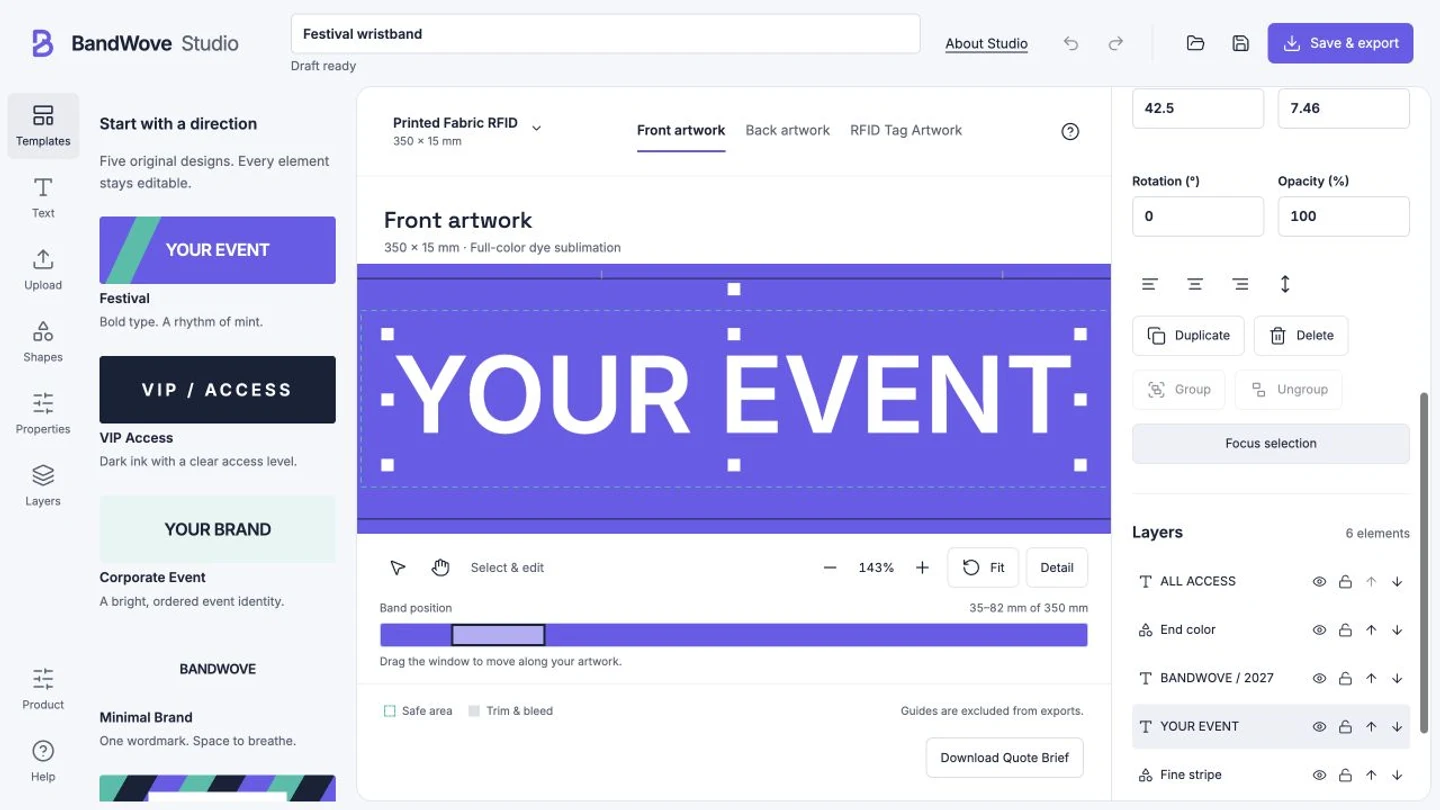
Start with an editable template. Add the event name, upload your logo, and arrange colors and repeat patterns along the band.
Design OnlineExplore Studio features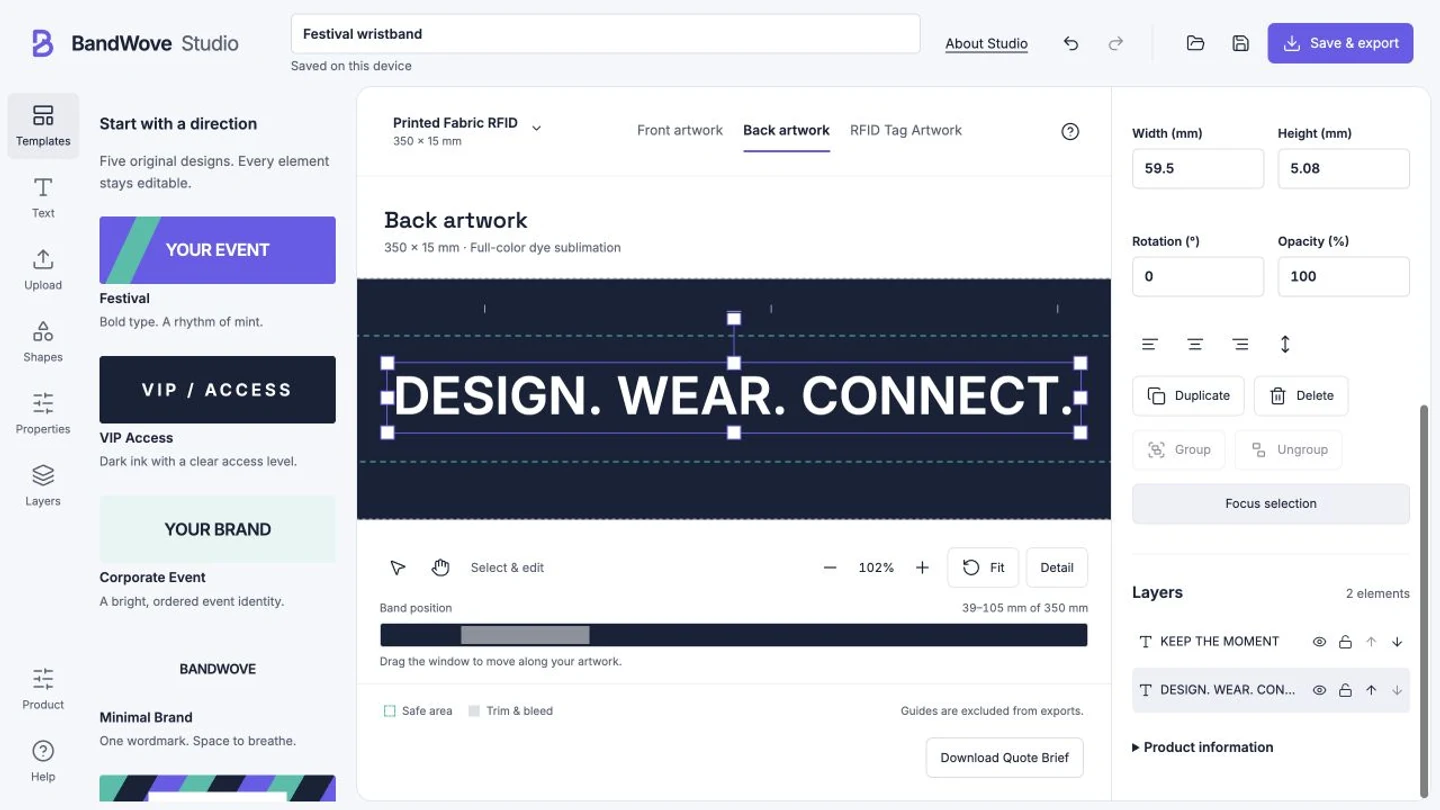
Use the back for a short message or a second design. Front and back remain separate artwork surfaces; the final proof defines their print arrangement.
Design OnlineExplore Studio features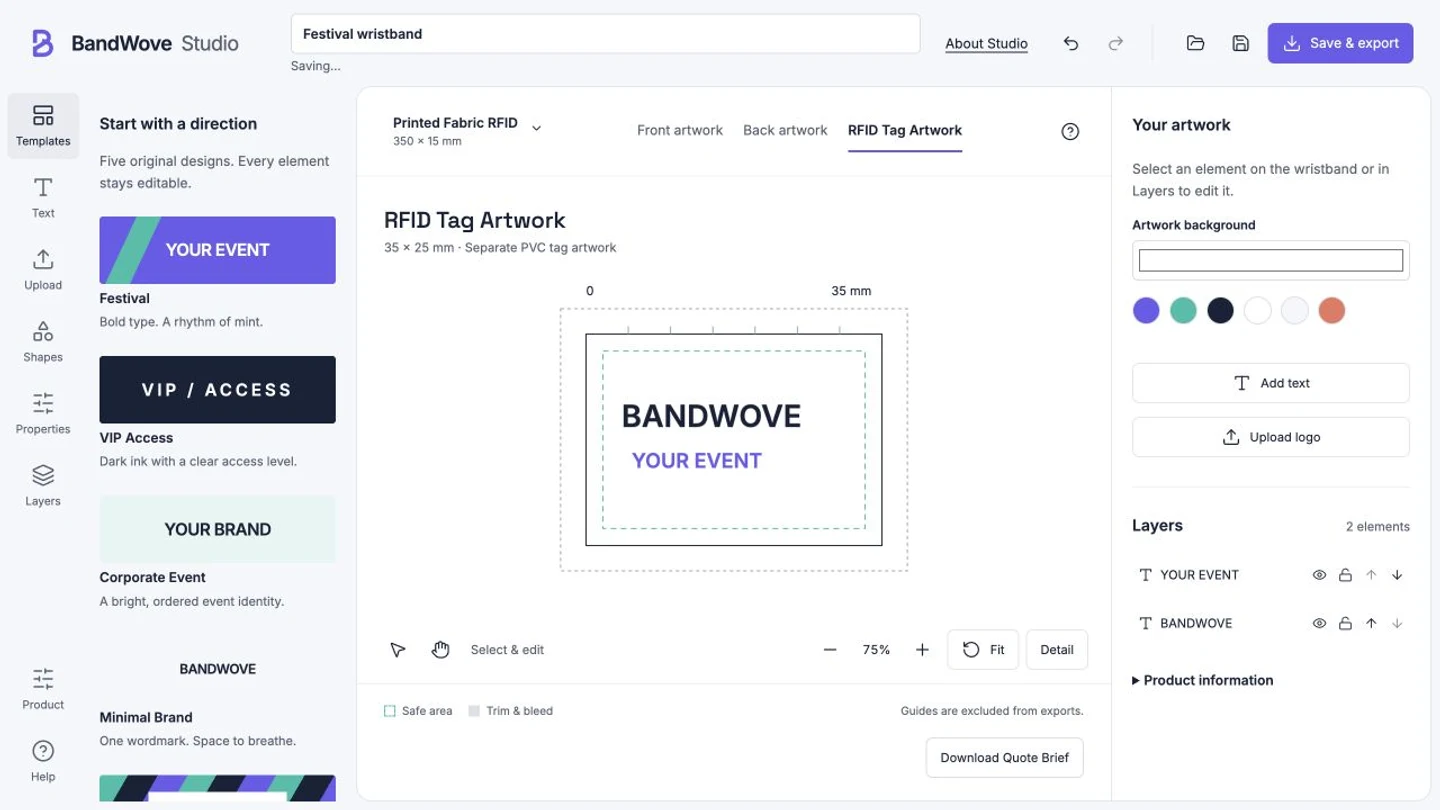
Create the PVC tag in its own 35 × 25 mm artwork area. Keep important content clear of the slots and corner cuts shown in the order proof.
Design OnlineExplore Studio featuresKeep a clear master and useful references together.
Safety guides and bleed are BandWove artwork conventions. Exports are not a guarantee of production-ready print files.
Bring the visual direction and buying requirements into the same brief.
Choose a template and band width. Edit front, back and tag artwork, then keep an editable project file.
Design OnlineAdd quantity, destination, required arrival date, closure needs and any reader or encoding specification.
Review a product briefCheck the artwork and configuration together. Keep credentials and security keys out of general design files.
Get a QuoteStudio links your editable project and front, back and tag previews to the quote form.
Start with your artwork, or build a brief around your event.