
What happens on the visitor’s phone?
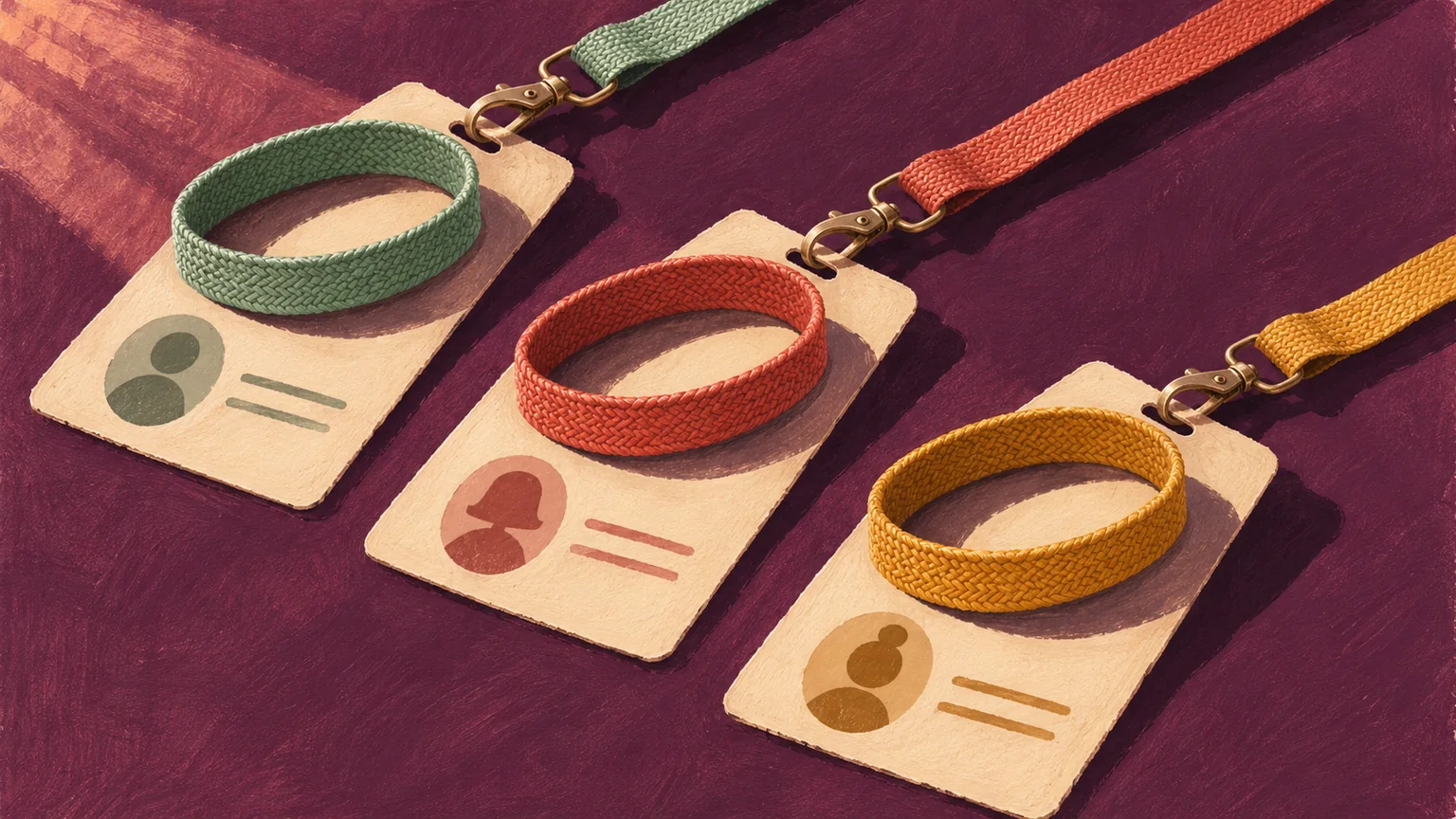
After a demo, one of the 30 reps offers their wrist. The visitor holds a compatible NFC phone near the band and opens the link offered by the phone. A visitor who prefers the camera can scan the backup QR on the rep’s badge. Both routes open the same exhibitor-controlled web page.
On a personal profile, “Save contact” lets the visitor open a contact card and save the rep’s details in their own address book. “Request a demo” asks for the visitor’s details and what they would like to see. The exhibitor gets a lead when the visitor submits that form and the exhibitor’s system receives it. A visitor can leave with the rep’s card without sending the exhibitor their email address.
One company homepage or 30 personal profiles?
Choose the shared homepage when any member of the booth team can handle an inquiry. Choose personal profiles when visitors need to reach the particular rep who showed them a product.
| Order decision | A · Shared company homepage | B · Individual staff profiles |
|---|---|---|
| Web addresses | One URL for all 30 bands. The homepage offers the company contact or routes inquiries to the team. | 30 distinct URLs for 30 reps. Each opens the assigned rep’s profile. |
| Batch data | Supply the URL once, the quantity of 30 and one QR target. | Supply 30 rows matching employee ID, wristband number and URL. Use each row’s URL for its badge QR too. |
| Booth distribution | Hand out any band in the right size. All 30 open the same page. | Match the band number and badge to the employee ID at pickup. Open the profile together before the rep leaves the desk. |
| Role changes | Pass the band to the next rep. Update the shared page if the team contact changes. | For the same rep, edit their profile. To reassign the band, change the destination of its stable URL, update the roster and pair the new wearer’s badge with it. |
What goes in the encoding file?
Here are three fictional rows from the 30-person order for option B. The employee ID belongs to the exhibitor. The wristband number is the visible issue number. The last column is the exact HTTPS address for both NFC encoding and the backup QR.
| Employee ID | Wristband number | NFC and QR destination |
|---|---|---|
REP-007 | WB-014 | https://example.com/t/014 |
REP-018 | WB-022 | https://example.com/t/022 |
REP-024 | WB-029 | https://example.com/t/029 |
Your web team points each short address to the current profile. If REP-007 moves territories, update their details there. If WB-014 goes to another rep, redirect its address to the new profile and change that row in the issue file. The band can keep its encoded address. A contact already saved on a visitor’s phone keeps the details saved at the time.
What BandWove supplies and what your team manages
We supply the wristbands, the agreed branding and the NFC URL encoding. For individual links, we work from your approved mapping file and agree how the physical numbers will be marked or packed. Your team hosts the pages, controls the redirect addresses, prepares the badge QR codes and connects any visitor form to your CRM. Form notifications and follow-up ownership belong with the team that answers them.
For a sample handoff, use one real test destination on your domain. Tap the fitted band with a compatible phone, scan the matching badge and check the name on both pages. Save the contact, then submit a separate test inquiry and check which rep receives it. At pickup, repeat the destination match for each of the 30 assignments.
For organizer-issued staff passes and session access, see wristbands for conferences and trade shows. For a campaign spanning several booths or activities, see the NFC brand activation guide.
Which wristband will your reps wear?
A molded silicone wristband suits reps who want a smooth, fixed-size loop and a screen-printed logo. Specify a phone-readable NFC configuration for this order and check that the sample passes comfortably over the hand.
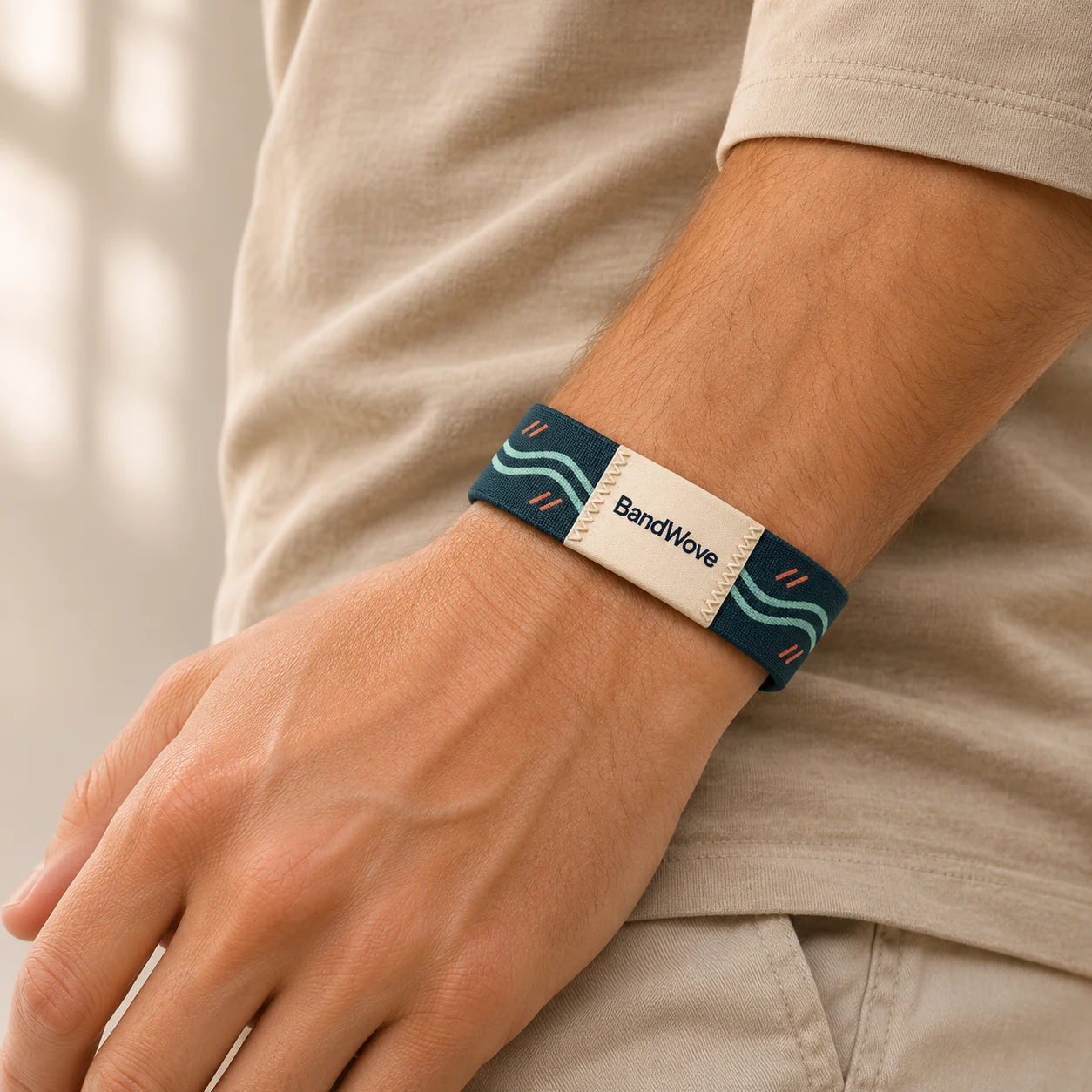
A printed elastic NFC wristband stretches over the hand. Its polyester-spandex webbing takes a full-color repeat print, with the NFC assembly in a sewn pocket. Use the relaxed loop size when allocating bands to the team.
For a quote, send the team headcount, your choice of one shared URL or individual addresses, the brand artwork, what you want to check on a sample and the date the bands need to arrive.