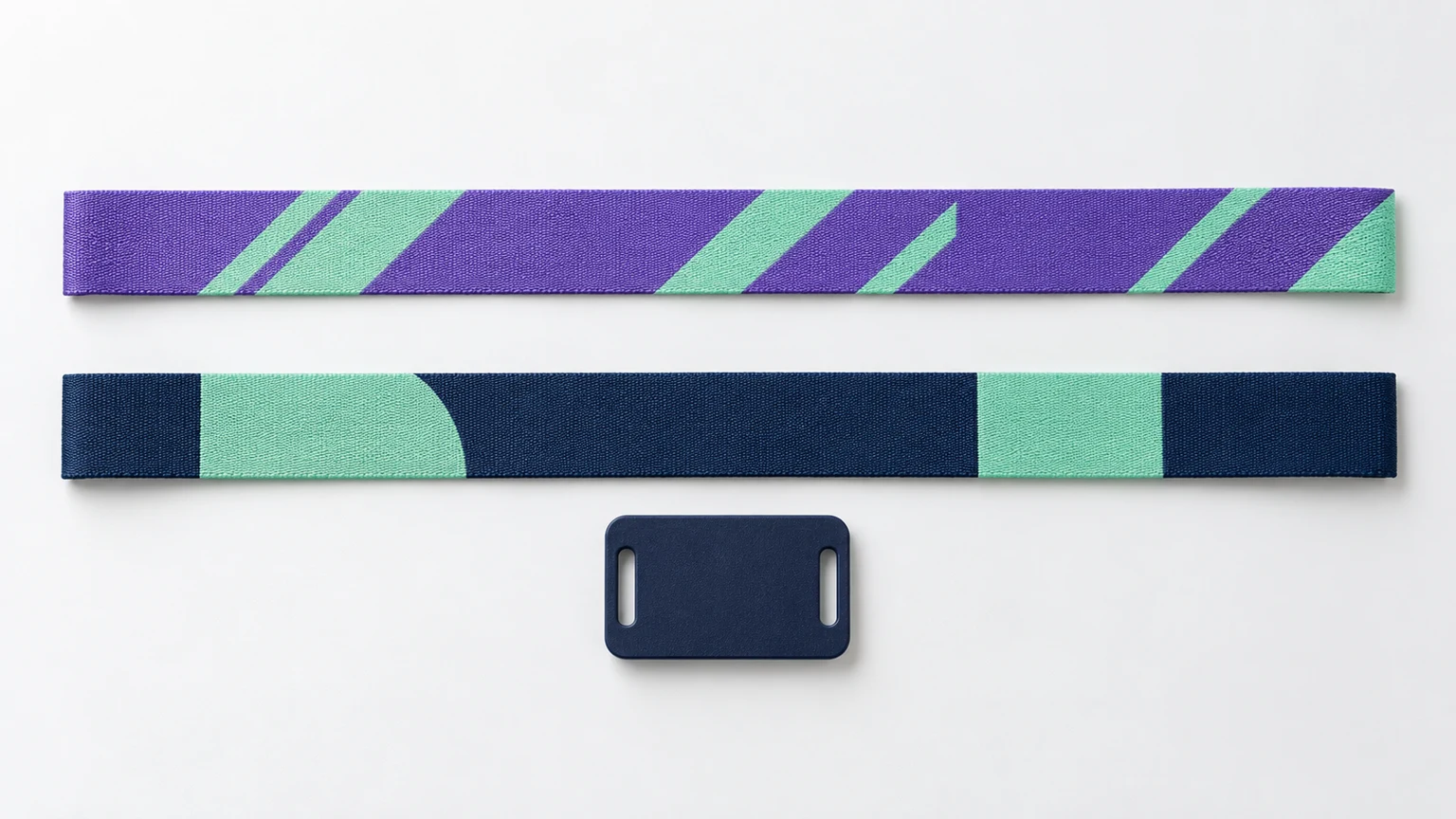
Start with the selected product and its artwork surfaces. Then check lettering, placement and files before sharing the design. These guides explain the decisions behind the canvas, with tools for preparing your own artwork.
Confirm the product, dimensions and decoration method before refining the artwork. A printed fabric strip, an elastic loop and a molded silicone band have different design areas. The detailed dimensions below apply to BandWove’s printed fabric configuration.
Three surfaces. Separate artwork.
Check the printed fabric dimensions and distinguish trim, bleed and suggested content areas. Hardware coverage varies with fitting; the diagram is a design reference, not a production die-cut template.
Band width
Front artwork350 × 15 mmBack artwork350 × 15 mm
RFID Tag Artwork35 × 25 mm
Suggested band content area: 280 × 11 mm. Tag envelope shown enlarged. Hardware position varies with fit; this is not a die-cut template.
Front artwork350 × 20 mmBack artwork350 × 20 mm
RFID Tag Artwork35 × 25 mm
Suggested band content area: 280 × 16 mm. Tag envelope shown enlarged. Hardware position varies with fit; this is not a die-cut template.
Finished sizeSuggested safe area3 mm bleed outside trim
Prepare the artwork in the right order
Separate the designs that need separate files
Printed fabric uses independent front, back and RFID tag artwork. The band is 350 × 15 mm by default, with a 350 × 20 mm option. The separate PVC tag has a 35 × 25 mm artwork envelope. Keep the tag logo and numbering independent from the repeat pattern on the strap.Check the fabric artwork guidelines
Review the detail at the size it will be worn
Zoom helps you edit, but a large screen view can hide problems with small lettering and narrow gaps. Check the composition at the finished dimensions. A simple, high-contrast mark is easier to recognize than fine text over a busy background.Compare printed and woven artwork
Keep the editable source and the viewing copy
A PNG preview lets someone see the layout. An SVG can exchange design elements, but may still contain raster images. The Studio project preserves the editable surfaces and original embedded assets. Keep these purposes separate when saving or sharing.See how Studio works