
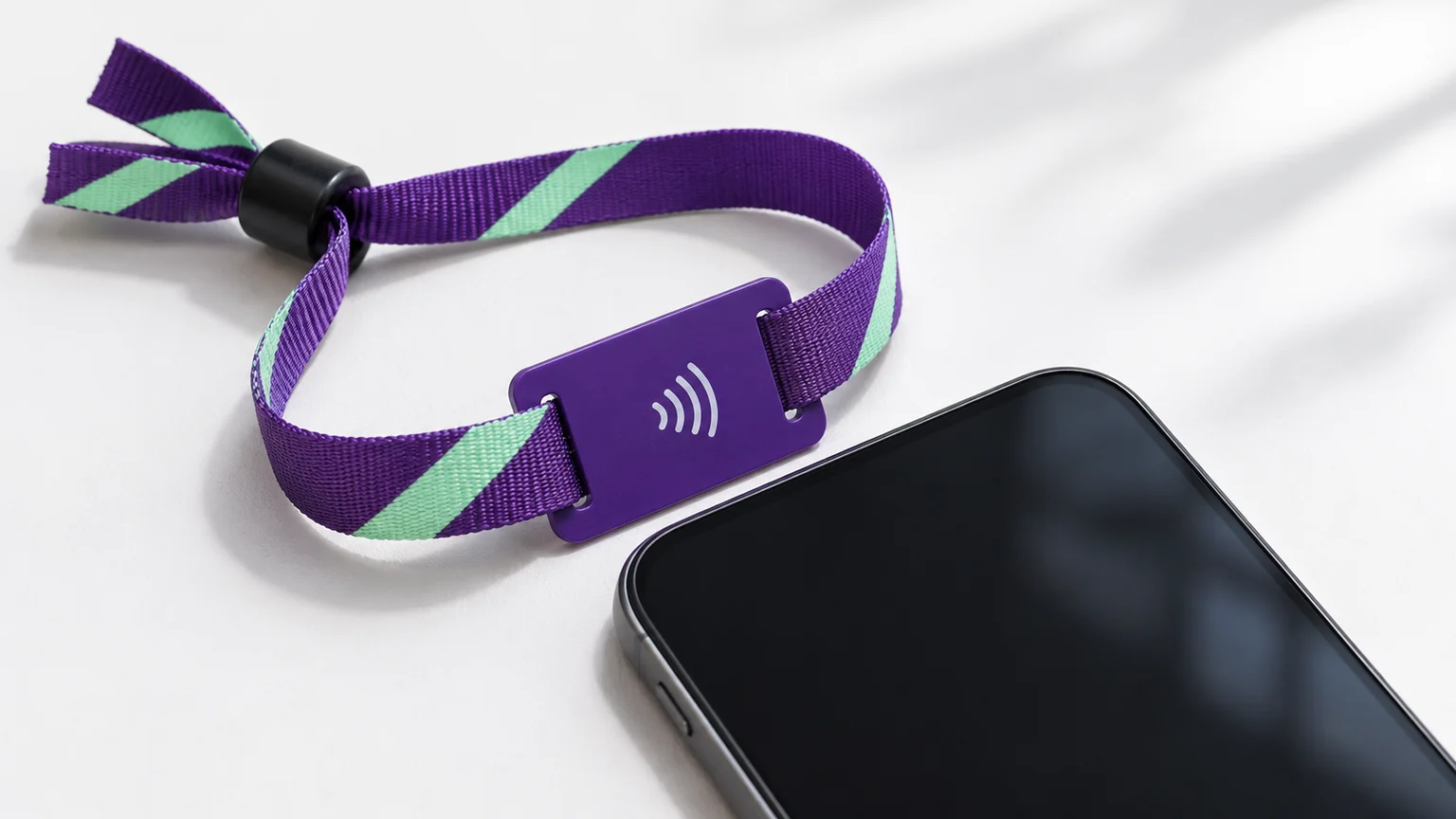
Which RFID wristbands can a phone read?
RFID is a broad family of radio identification technologies. Near Field Communication (NFC) works at 13.56 MHz and supports defined contactless protocols and data formats. A phone with NFC can communicate with supported HF tags, but the frequency alone does not establish compatibility.
The table separates radio communication from access to useful information. It describes a phone’s built-in NFC reader, without an external accessory.
| Technology | Typical frequency | Built-in phone NFC | What to check |
|---|---|---|---|
| LF RFID | Often 125 kHz; other LF systems exist | Outside the NFC radio band | An appropriate LF reader is needed. Installing an app does not add LF radio hardware. |
| NFC-compatible HF tag | 13.56 MHz | Possible with a supported protocol | Phone and app support, tag formatting and permission to read the stored data. |
| Other HF / managed credential | 13.56 MHz | Depends on the protocol and device | A phone may detect the tag while protected application data remains unavailable. |
| UHF RFID | Often around 860–960 MHz, subject to regional rules | Outside the NFC radio band | A compatible UHF reader is needed; a standard NFC tap is insufficient. |
An NTAG213, NTAG215 or NTAG216 is an example of an NFC Forum Type 2 IC. If a finished band uses one and contains an accessible, correctly formatted web link, a compatible phone may open that content. A chip name alone does not tell you what was encoded or whether the complete band has been tested with your phone.
How to check your wristband
Start with the intended interaction. A band issued for hotel entry may contain a managed credential, while a promotional NFC band may carry a public URL. Their similar appearance tells you little about the data inside.
NFC Data Exchange Format (NDEF) stores content in structured records, such as a web address or text. A tag can support the radio protocol without containing a useful NDEF message.
- Identify the technology
Ask the issuer or supplier for the chip family and protocol. For LF or UHF, use an appropriate reader instead of phone NFC.
- Check the phone
Confirm it has NFC and supports the tag technology. Check its settings and the manufacturer’s reading instructions.
- Check the reading method
Use a supported background-reading feature or a legitimate app that handles the documented tag protocol.
- Check the data
Accessible NDEF content can be interpreted by a suitable reader. Protected application data needs the authorized app, credentials or system.
- Interpret the result
A detected tag, a displayed record and an accepted access credential are separate outcomes. Contact the operator for entry or payment problems.
Try a careful scan
Keep the band still near the phone’s NFC antenna, following the phone maker’s location guidance. Move it slowly across that area if you do not know the best position. Separate nearby tags and avoid placing the band against a metal surface during the check. A thick case or poor alignment can make coupling harder.
Use a read-only check on a band you own or are authorized to inspect. Do not format, erase, lock or write to an issued credential while troubleshooting. Those actions can change data the operator needs.
If you cannot identify the chip, ask the issuer: “What technology and protocol does this band use, and is it intended to be readable by a phone?” For a managed system, also ask which authorized application or reader should be used. You do not need to request secret keys.
iPhone and Android reading behave differently
iPhone: a web notification needs suitable content
On supported iPhones, background reading looks for an NDEF URI record and handles supported links. A notification can appear without opening a reader app; tapping it opens the associated destination. Apple documents conditions where background reading is unavailable, including camera use, Airplane Mode and an active Core NFC session.
A blank tag, a text-only record or a protected application may therefore produce no web notification. App-based reading has its own device, protocol and permission requirements. Follow Apple’s background-reading documentation for the current conditions rather than treating every iPhone tap as the same operation.
Android: check the available tag technology
Android exposes NFC tag technologies to apps, including NDEF and several underlying protocols. Some implementations are optional: support for the MIFARE Classic or MIFARE Ultralight APIs, for example, can vary by device. The app must handle the technology reported by that phone.
Check that NFC is enabled where the phone provides that setting, and follow its unlock and app instructions. An app that displays a tag identifier may still be unable to read protected records. The Android TagTechnology reference distinguishes required and optional implementations; it is not a universal wristband compatibility list.
Reading a tag vs using an event credential
A successful radio connection is only the first part of an interaction. These examples show what each result establishes.
A public content link
The phone reads a suitable NDEF record and offers a website. The website may then need an internet connection, login or another action.
Established: that content was accessible to this reading method.
A tag identifier or record
A reader app displays information it can access. Some application data can remain protected or unsupported.
Established: the phone communicated with the tag and read the displayed information.
An event or hotel credential
The authorized system checks its credential rules, permissions and status. Provisioning and authentication depend on that system.
Established only by that system: whether entry or a transaction is allowed.
Reading a band with your phone does not automatically create a ticket, room key or payment credential on the phone. A plain NFC URL is also separate from a cashless payment platform. For a phone-led campaign, the brand activation guide explains the content and operational requirements.
Why your phone may not read the wristband
| What you notice | Possible explanation | Useful next check |
|---|---|---|
| No response at all | Different radio technology, unsupported protocol, NFC unavailable, poor position or a damaged antenna | Confirm the technology and try the documented phone reading method. |
| A tag is detected, but no web page appears | No suitable URI record, unsupported background action or app-specific data | Check what content the issuer intended and whether an app is required. |
| An app shows an ID but not the expected data | Protected records, unsupported commands or a different data layout | Ask the operator which application and permissions are needed. |
| A link opens, but the page fails | Internet, destination URL or website problem | Check the link destination and connection; the RF read may already have succeeded. |
| The venue reader rejects the band | Credential status, permissions, provisioning or reader-system issue | Contact venue staff. A phone scan cannot confirm admission rights. |
If the band no longer works on the operator’s reader either, report it for inspection or replacement. A failed phone scan alone is insufficient to diagnose a broken chip.
Frequently asked questions
Can I use my phone instead of the wristband?
Only if the operator supports and provisions a mobile credential. Scanning a band does not automatically add its credential to a phone wallet.
Does a blank NFC band count as unreadable?
It can be detected by a supported reader even when it contains no useful NDEF content. A missing web notification does not prove there is no tag.
Does a contactless symbol identify the chip?
No. It indicates an intended contactless interaction, not a complete protocol, chip or access-permission specification. Ask for the documented technology.
Can I test a festival wristband before registration?
Follow the organizer’s instructions. Registration and activation rules belong to its system. A read-only phone result cannot tell you whether the band has valid admission or an available balance.
Sources & scope
This guide explains built-in phone NFC reading. External LF/UHF readers are outside its scope. The illustrations explain the decision process; they do not document device or wristband compatibility testing. Device, operating-system and app support must be checked for the intended tag.
- Apple: background tag reading, NDEF URI records and operating conditions
- Android: NFC tag technologies and optional device support
- NFC Forum: operating modes, protocols and NDEF tags
- NXP: NTAG213/215/216 NFC Forum Type 2 tag ICs
- NXP: MIFARE DESFire EV3 application and security features
- GS1 US: RFID frequency families and the relationship to NFC
References checked November 4, 2026.